
 0x01
0x01LConnect for Linux.
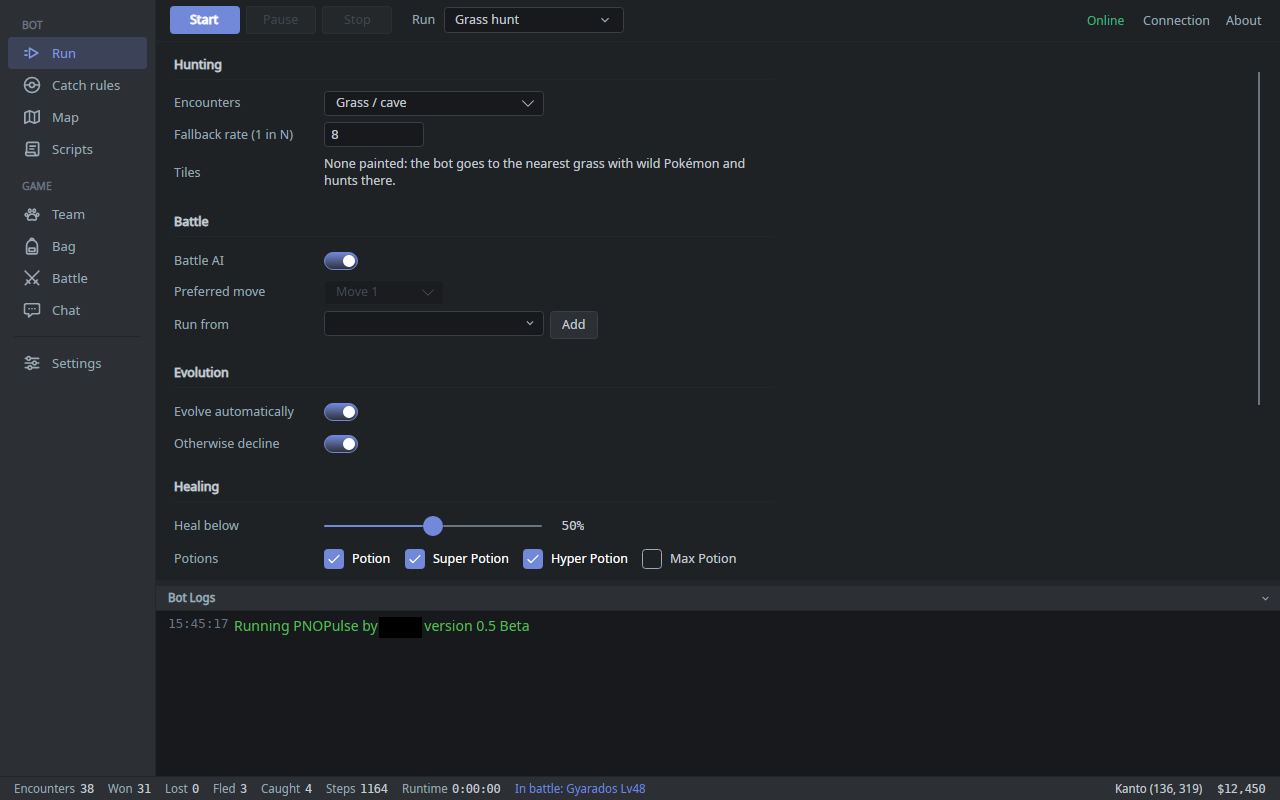
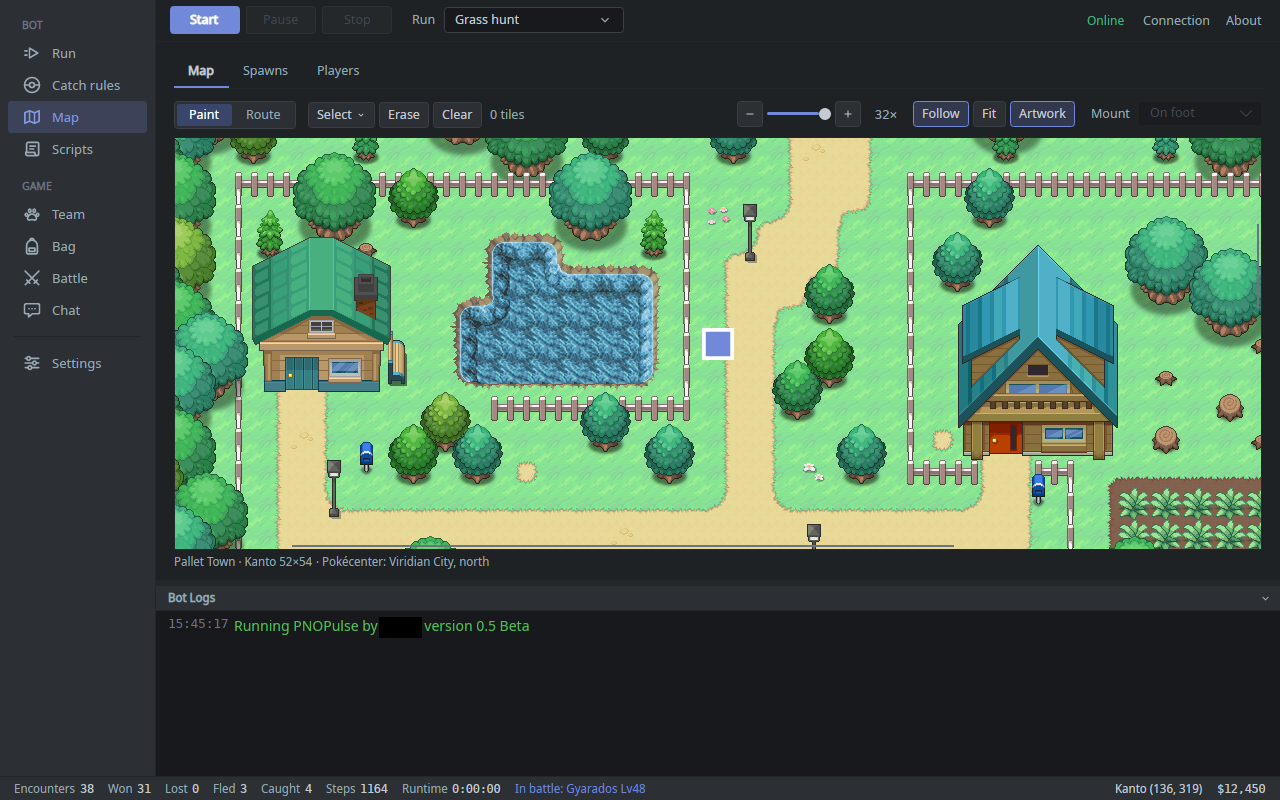
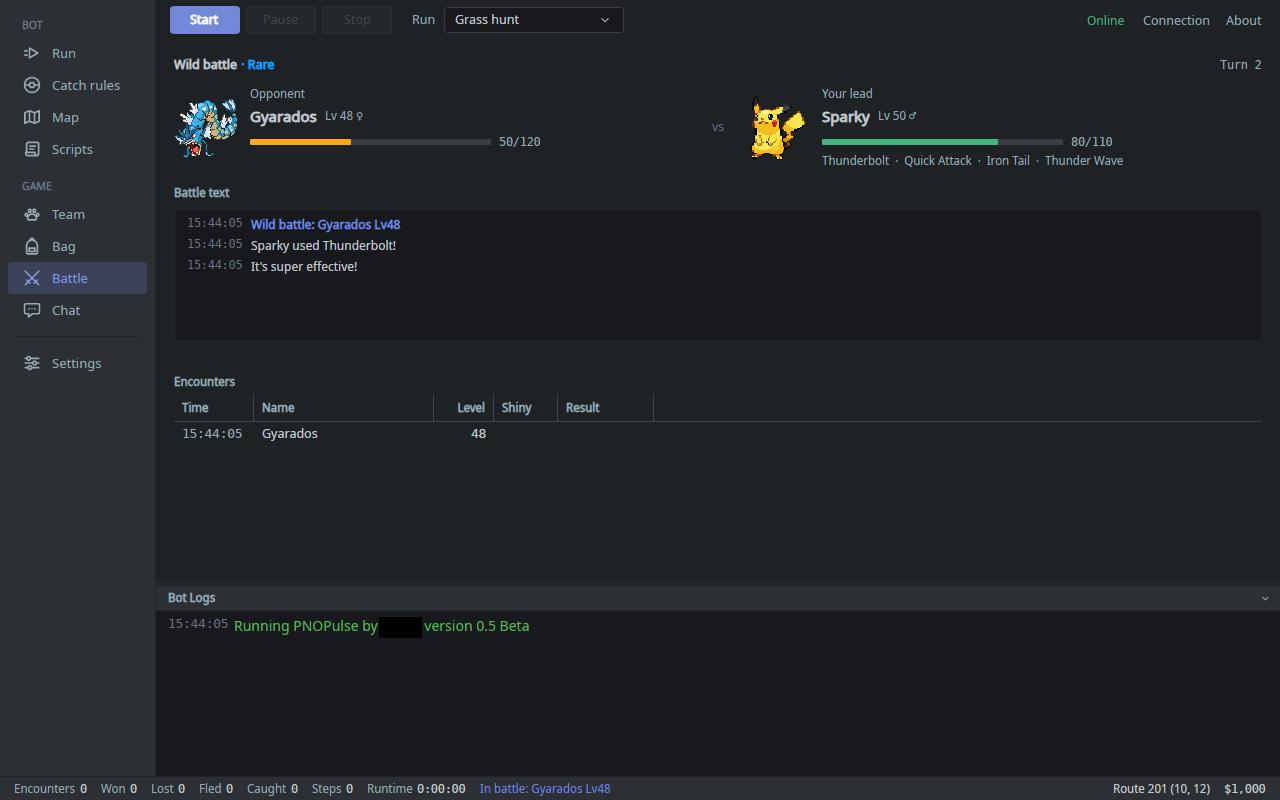
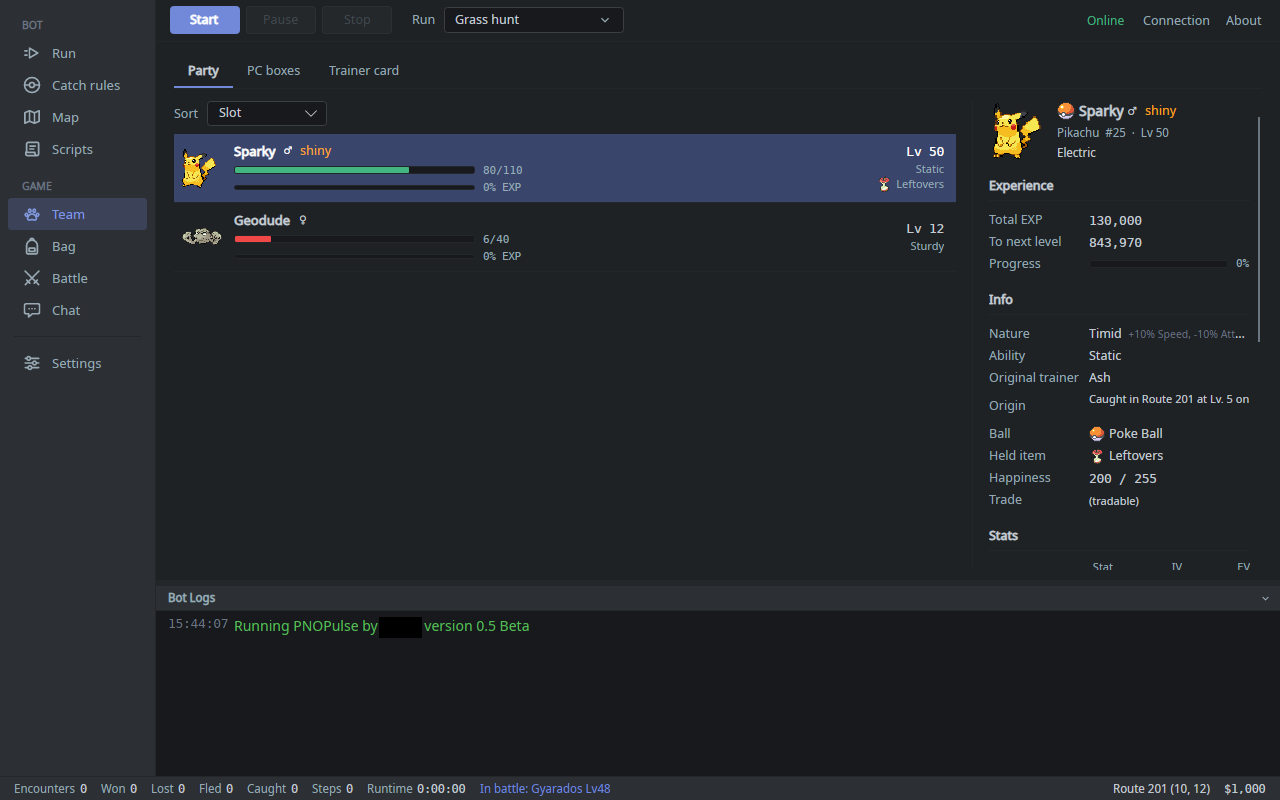
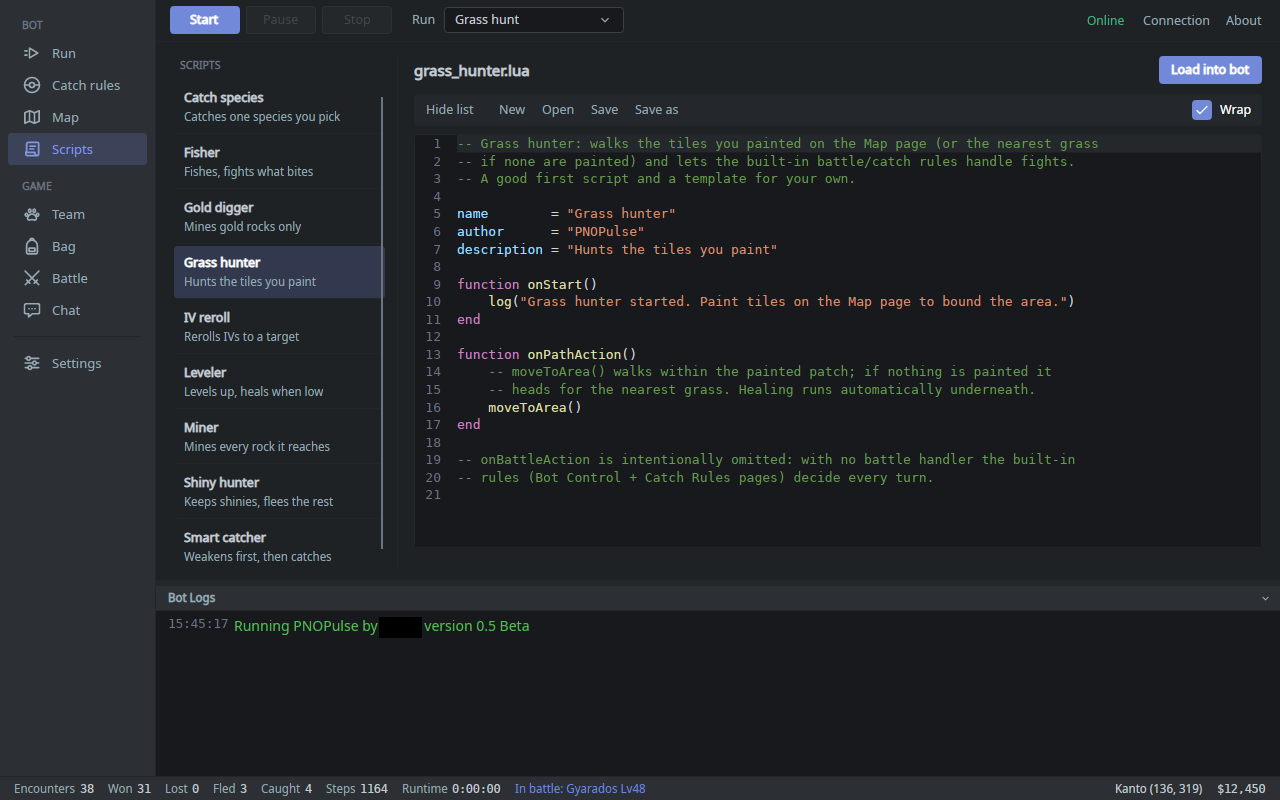
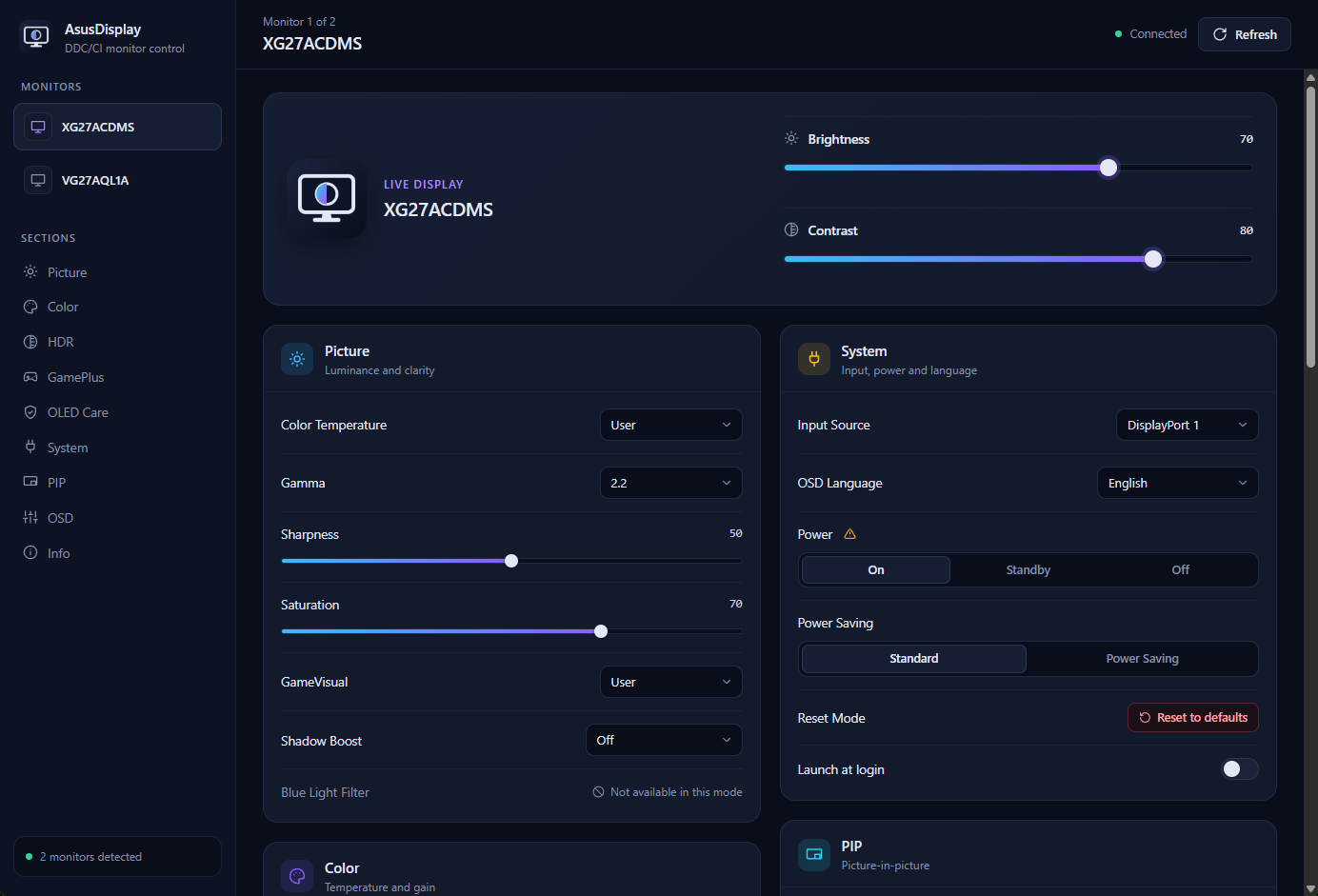
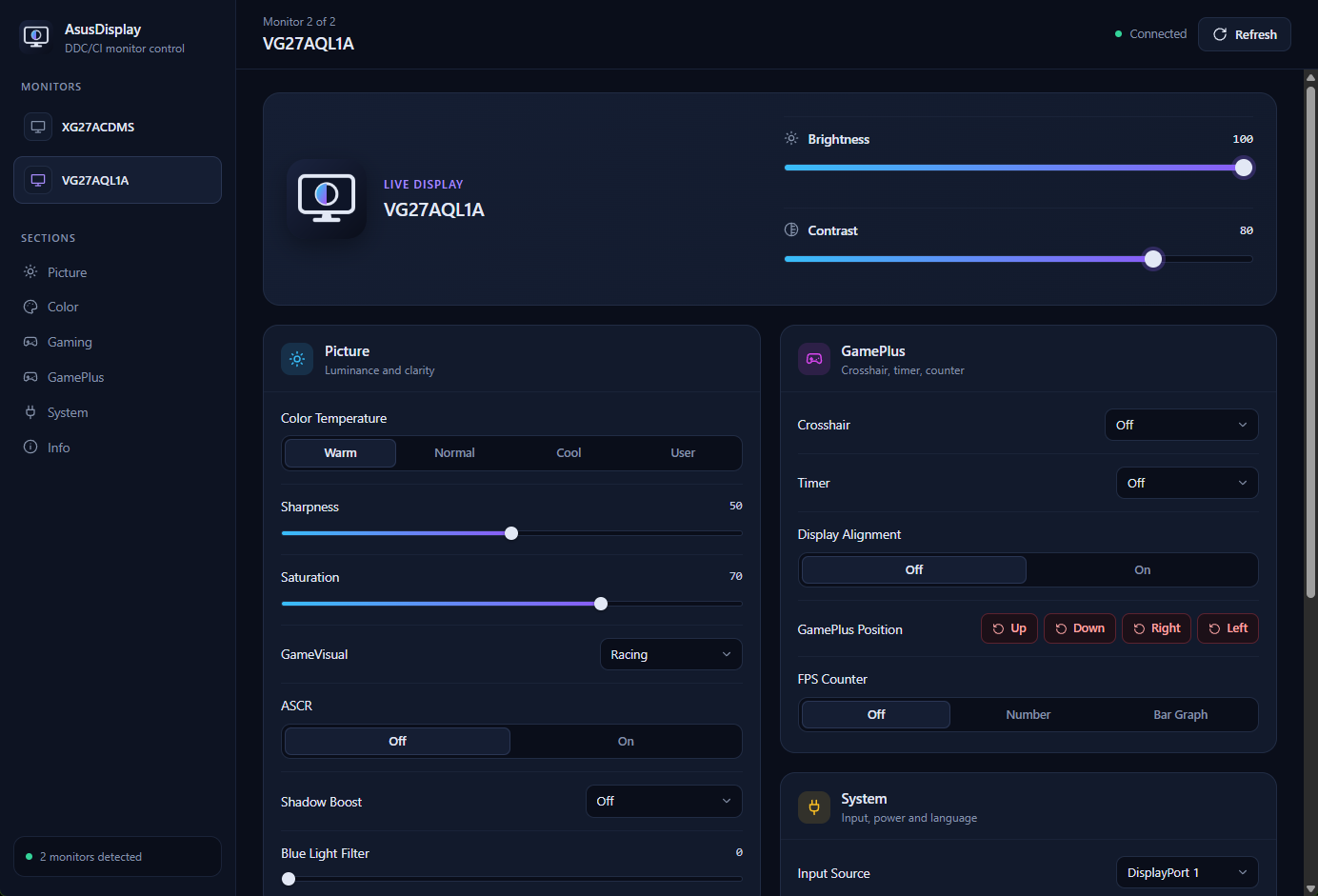
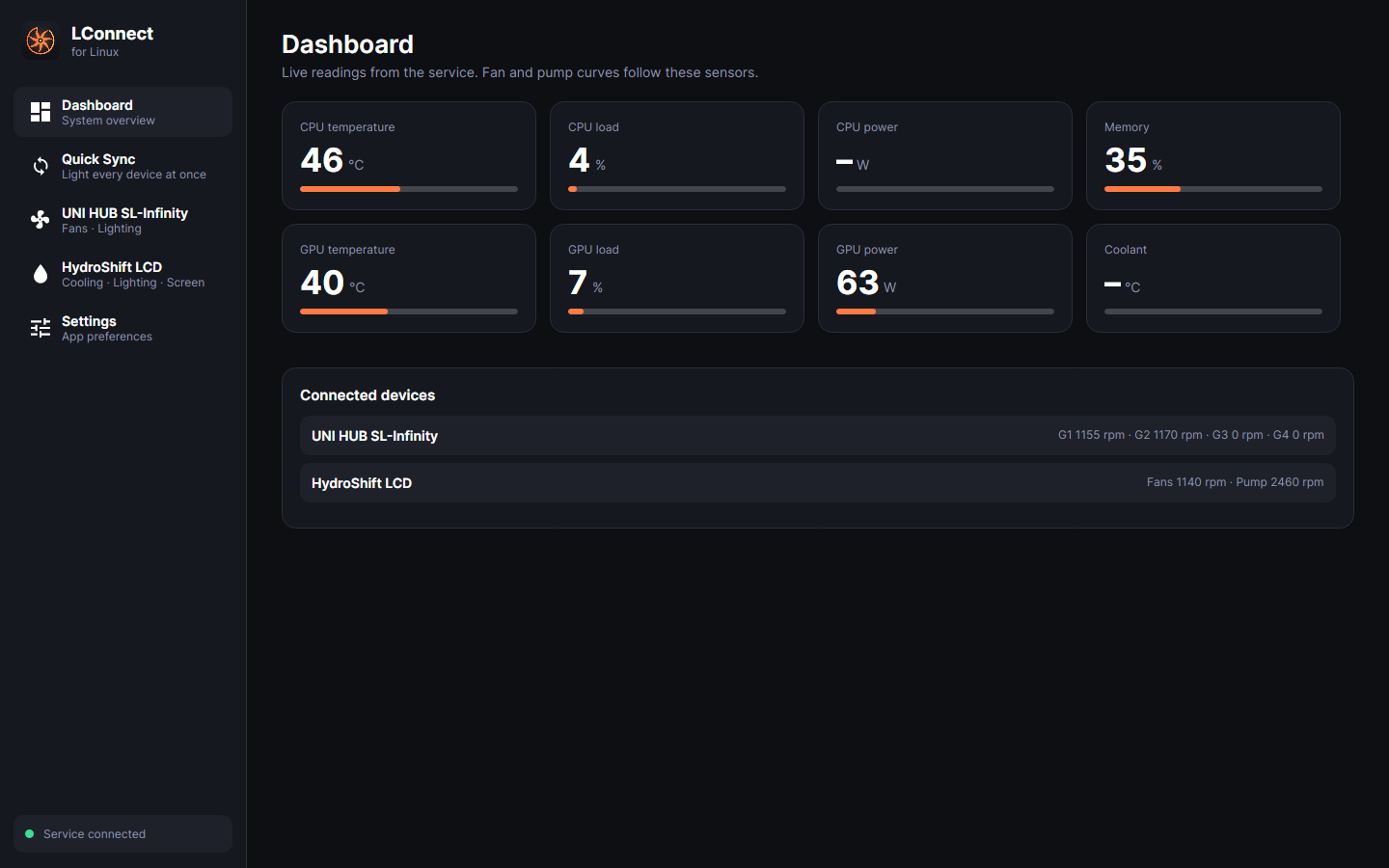
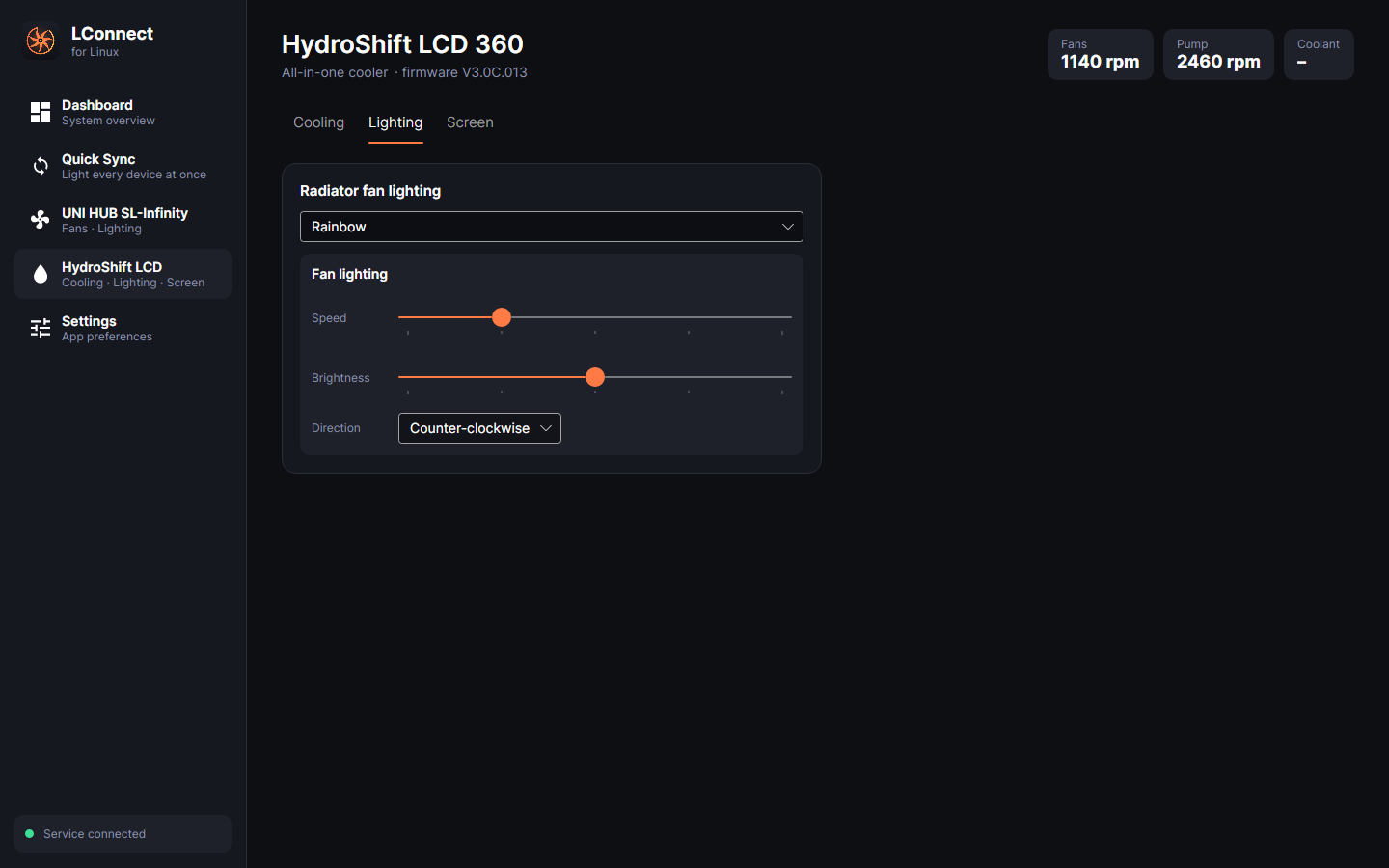
When I moved my main PC from Windows to Linux, L-Connect was the one thing I couldn't bring. The HydroShift's screen stayed on its boot logo, the fans ran on firmware defaults, and the RGB stayed on its last setting. The existing Linux tools didn't get the screen themes right, so I ported L-Connect itself. It uses the same device logic, timers and curves, runs natively on Linux, and has a new desktop app on top.
- Stack
- C# · .NET 10
- Platform
- Linux
- Status
- Beta
- Source
- GitHub ↗
0x01 / Screens
Scroll sideways →
0x02 / Features
What it does
- Curves0x01
Fan & pump curves
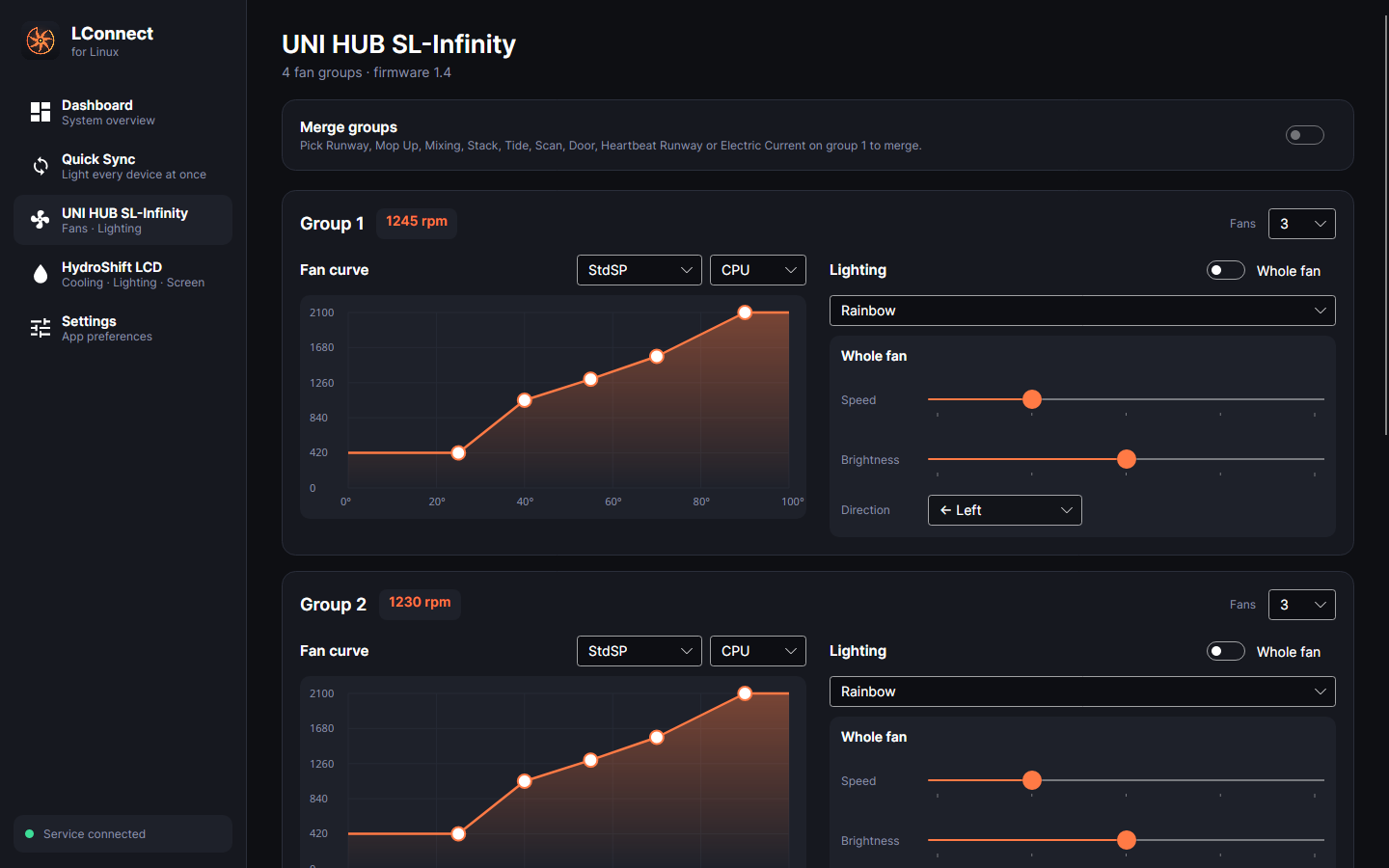
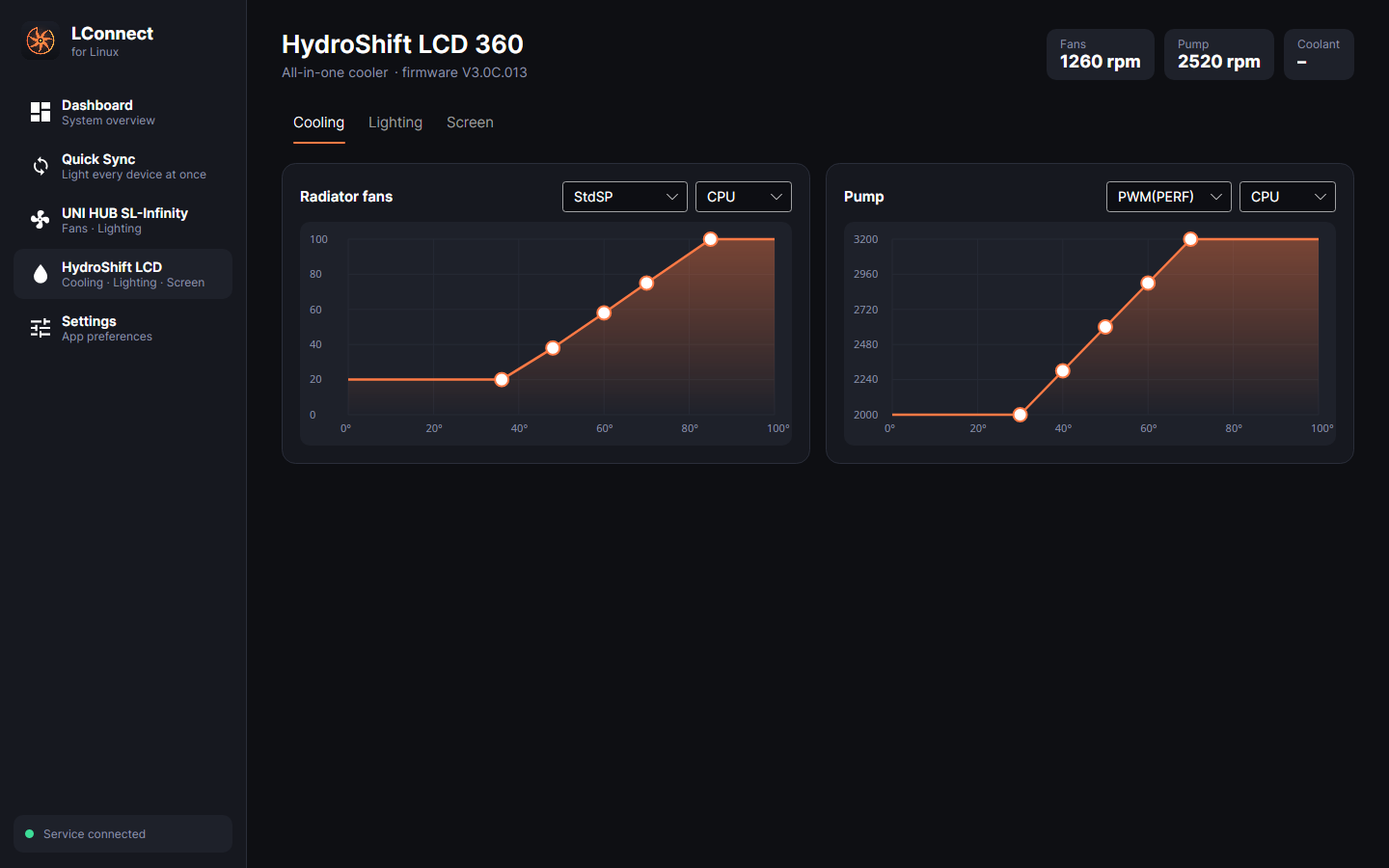
They follow CPU, GPU or coolant temperature, with the same presets and interpolation as L-Connect. Points on custom curves can be dragged.
- RGB0x02
Every lighting effect
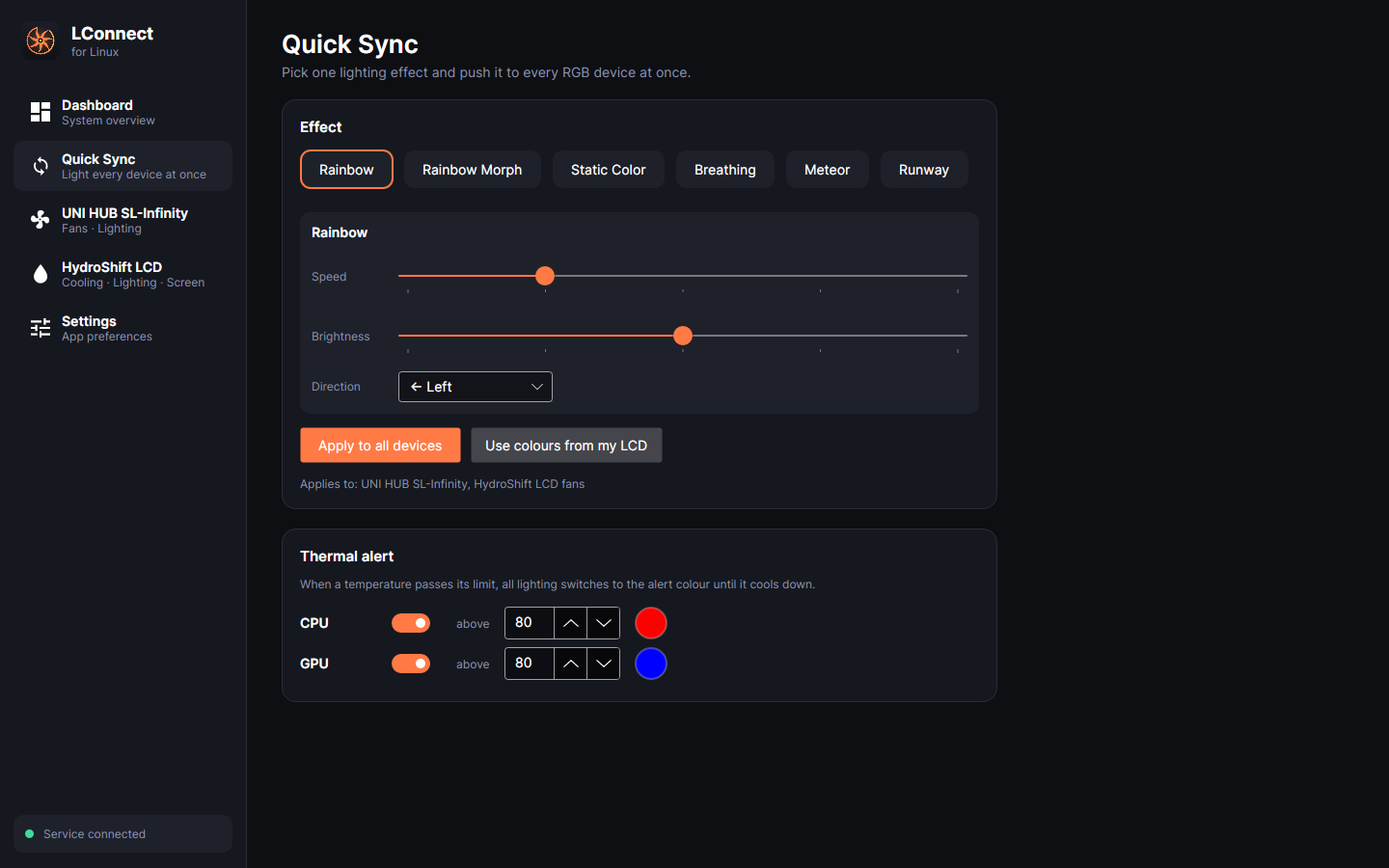
Covers inner and outer rings, effects merged across fan groups, and colour, speed, brightness and direction. Quick Sync sets one effect on every device at once.
- LCD0x03
Same theme engine
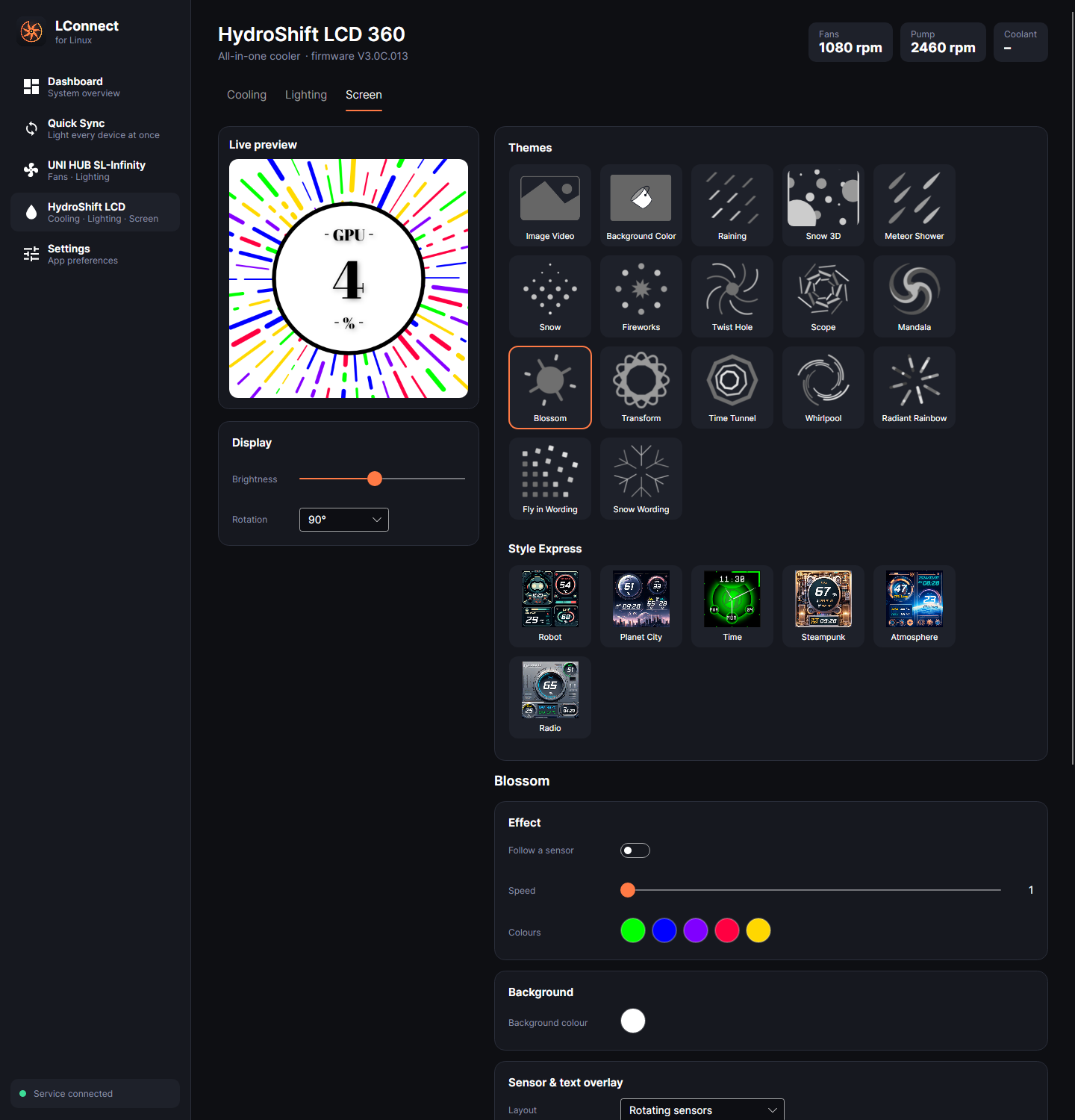
All 17 themes and 6 Style Express presets look the same as on Windows, with a live preview of what's on the panel.
- Migrate0x04
Imports Windows settings
Copy over
C:\ProgramData\Lian-Li\L-Connect 3and your curves, lighting and screen theme come with it. - Safety0x05
Fails safe
If the service stops, the pump runs at full speed instead of staying at its last setting.
- Alerts0x06
Thermal alert
All the lighting flashes an alert colour when the CPU or GPU goes past a limit you set.
0x03 / Devices
Hardware support
| Device | Controls | Status |
|---|---|---|
| HydroShift LCD 360 | Fans · Pump · RGB · 480×480 LCD | Tested |
| UNI HUB SL-Infinity | 4 fan groups · RGB | Tested |
| UNI HUB SL / SL V2 / AL / AL V2 / TL | Fans · RGB | Ported, untested |
| Galahad II Trinity / LCD / Vision | Fans · Pump · RGB · LCD | Ported, untested |
| Strimer Plus | RGB | Ported, untested |
| Wireless devices & Edge Hub | Needs Lian Li's SDK ported to libusb | Planned |